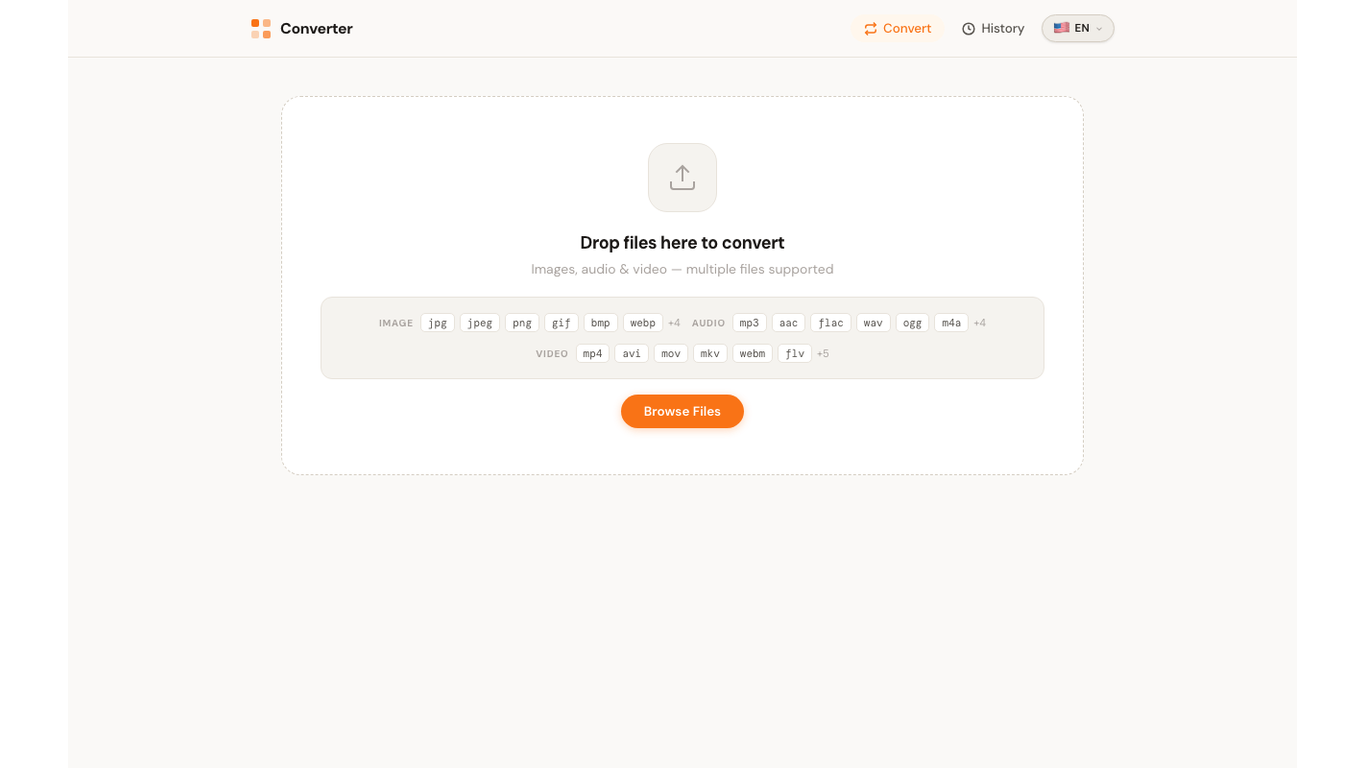
Drop videos and choose a target format
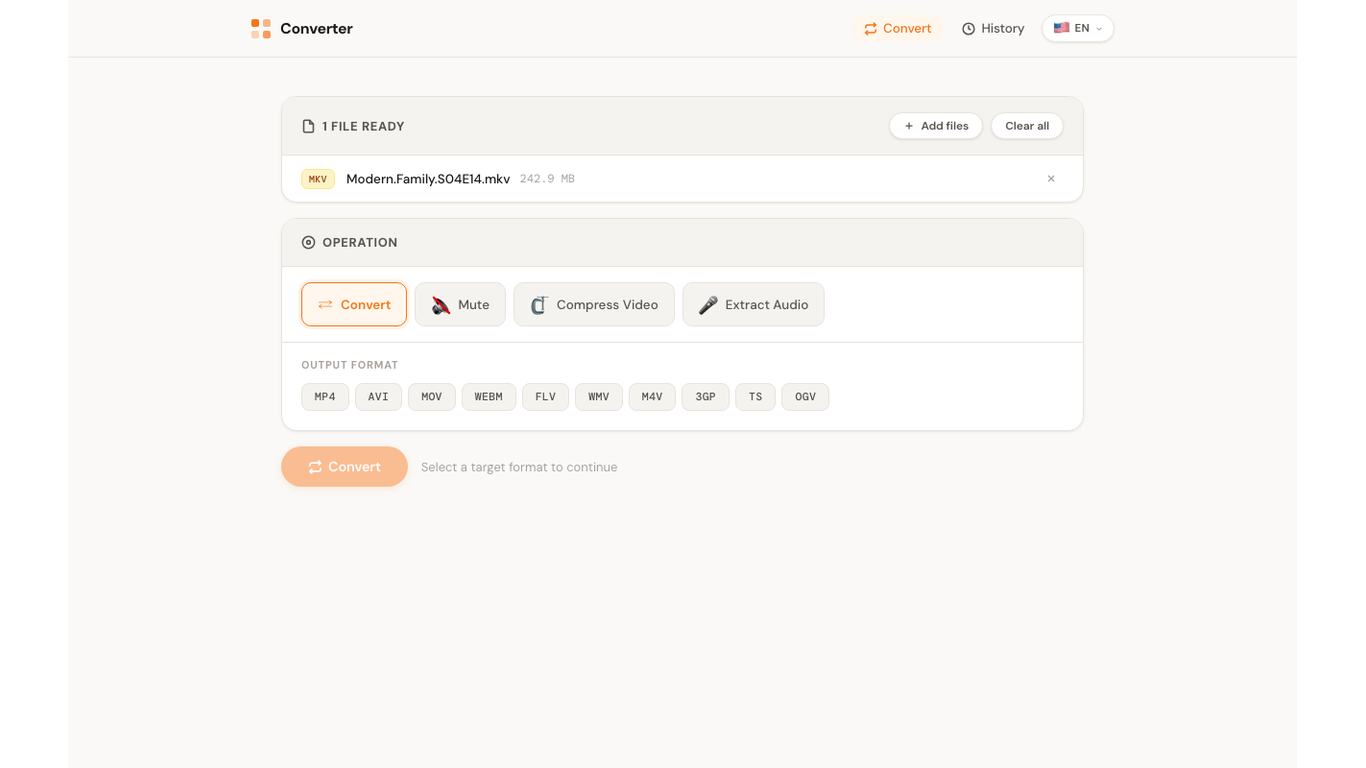
The converter screen highlights supported video formats such as MP4, AVI, MOV, MKV and WebM, with drag-and-drop upload for local processing.
No cloud. No account. No limits.
Convert MP4, MOV, MKV, AVI, WebM and more on your device.
Compress videos, mute audio, and extract audio without uploading files.
Drop your files here
MP4, MOV, MKV, WebM — multiple files at onceMediaConvert handles video conversion, compression, mute, and audio extraction in one clean Windows app that keeps files on your device.
Convert video formats, compress large clips, mute audio tracks, and extract audio from video files without juggling multiple tools.
Drag and drop multiple videos at once. Process batches with real-time progress tracking for each individual file.
Convert and compress images when you need them too, including JPG, PNG, WebP, AVIF, HEIC, GIF, TIFF, and more.
Convert MP4, AVI, MOV, MKV, WebM and more. Reduce file size, mute video audio, or extract the soundtrack from any video file.
Convert extracted audio or standalone audio files across MP3, AAC, FLAC, WAV, OGG, M4A, and more.
All processing happens entirely on your device. No files are uploaded anywhere. No internet connection required. No data collected.
These screens show drag-and-drop upload, video and audio conversion history, and the replay flow captured from the app.
The converter screen highlights supported video formats such as MP4, AVI, MOV, MKV and WebM, with drag-and-drop upload for local processing.
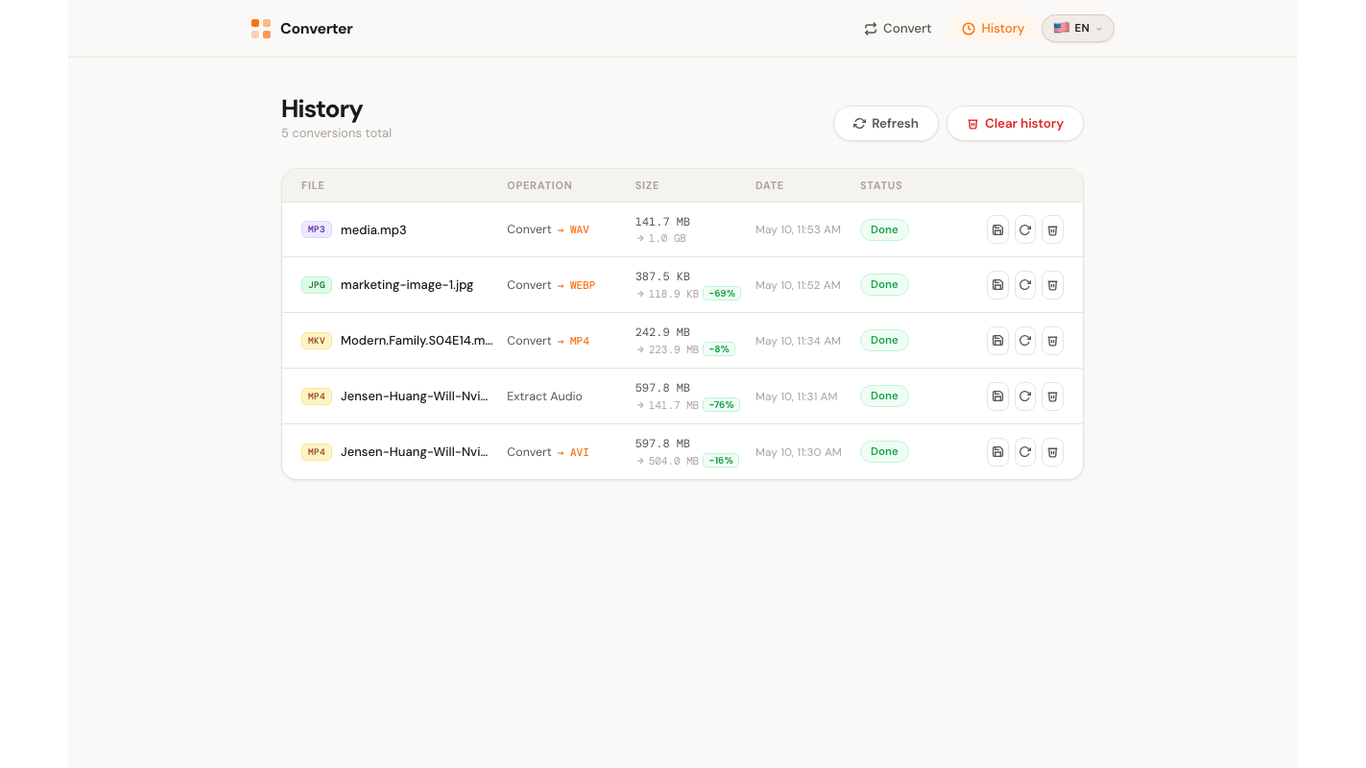
Completed MP4, MKV, audio extraction, and compression tasks stay in a local history view so you can review results and reuse settings.
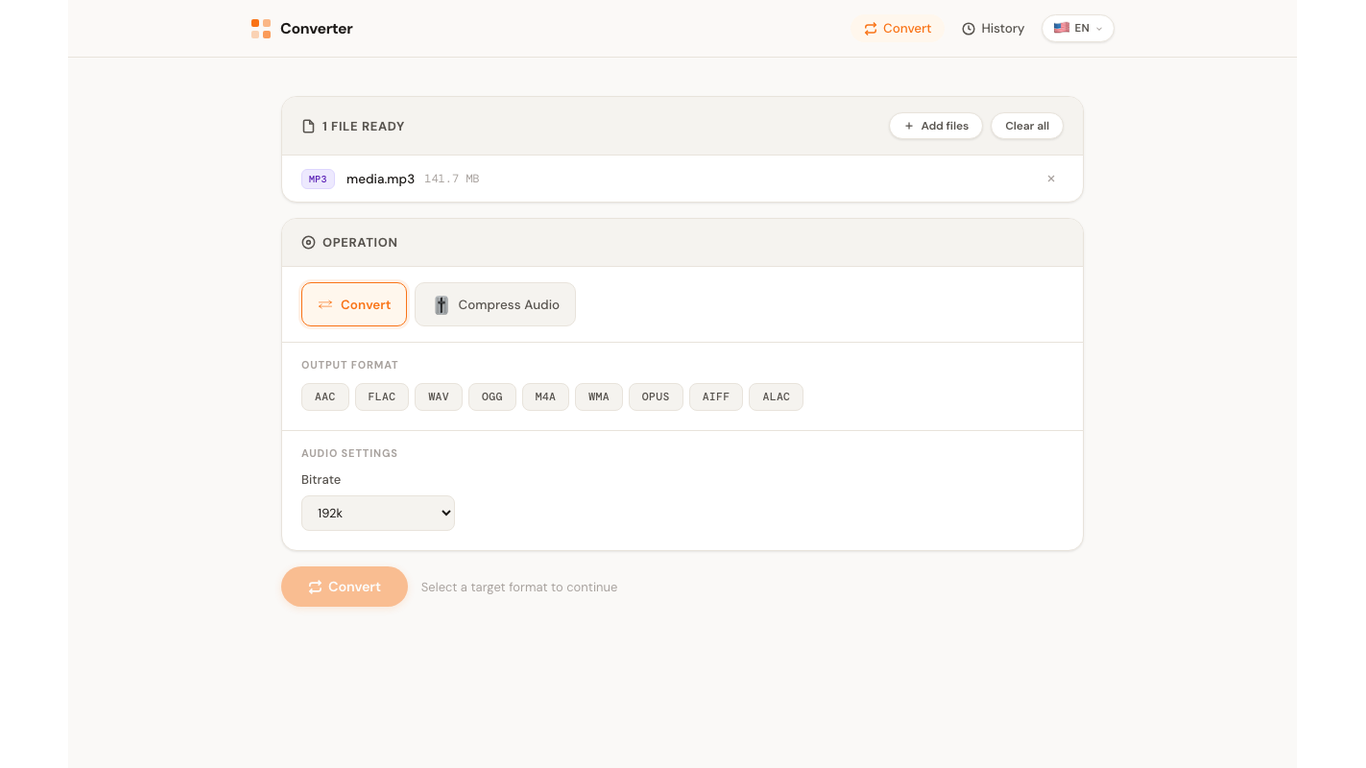
Use history replay to restore a previous setup, including operation type, output format, and quality settings.
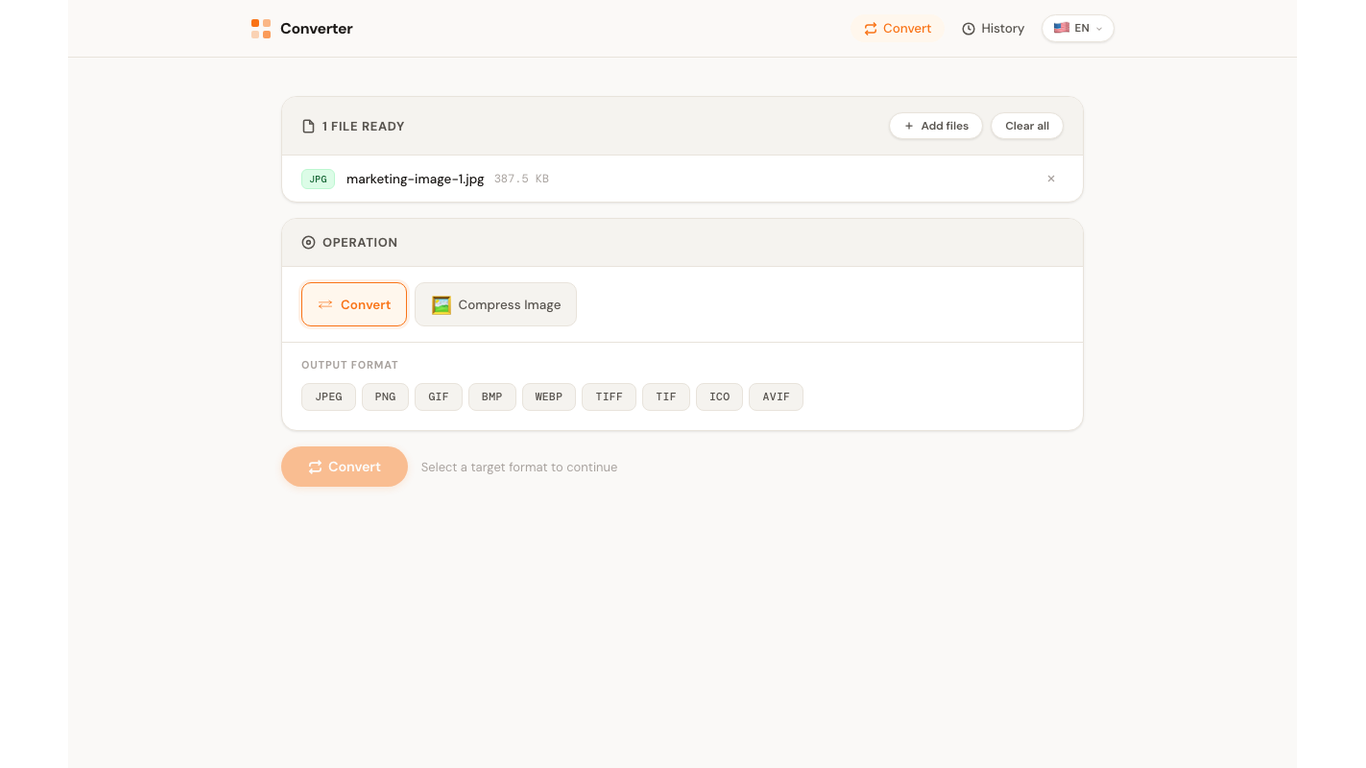
Saved settings make repeated audio and video conversions faster, whether you are changing formats or preparing files for sharing.
Restore previous video conversion settings for repeated MP4, MOV, WebM, compression, mute, or audio extraction workflows.
Online converters make you upload your private files to someone else's server. MediaConvert never touches the internet — your files stay on your machine, always.
Convert common Windows video formats first, with image and audio support included for everyday media workflows.
No tutorials, no setup, no account creation. Just open and convert.
Drag and drop one or many files into the app window. Batch videos together, or mix in audio and image files when needed.
Select the output video format and operation — convert, compress, mute video, or extract audio. Adjust quality settings if needed.
Watch real-time progress as your files are processed locally. Once done, save the converted files wherever you like.
MediaConvert is built on a simple principle: your files are yours. All conversion happens locally on your device — no uploads, no cloud processing, no analytics, no accounts. Just you and your files.
Get MediaConvert from the Microsoft Store for Windows 10 and Windows 11.
Get it on Microsoft Store